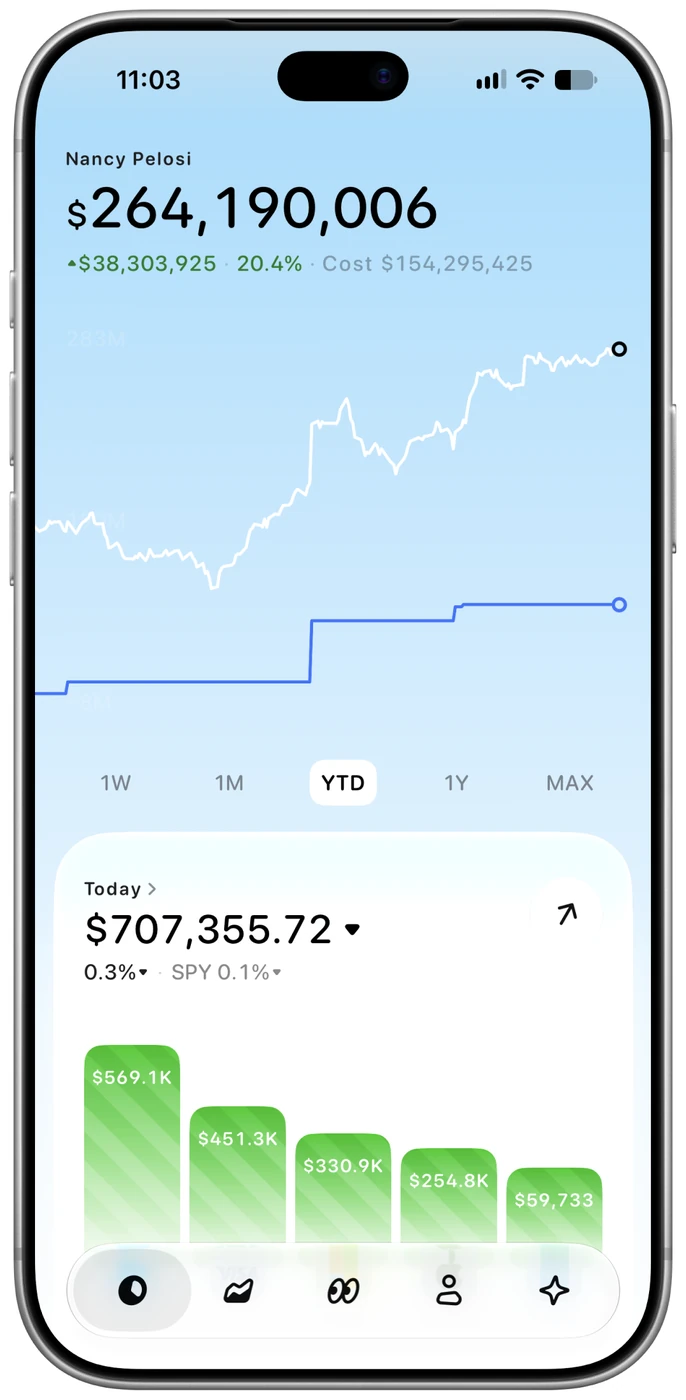
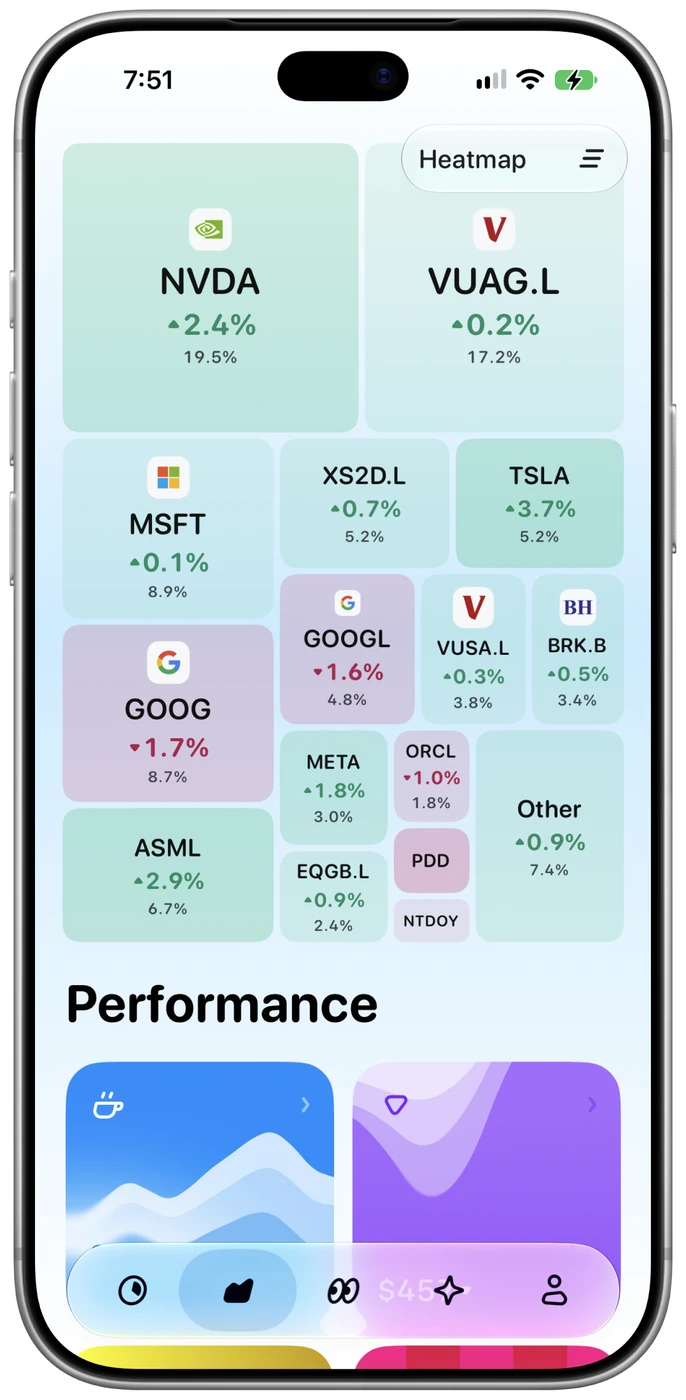
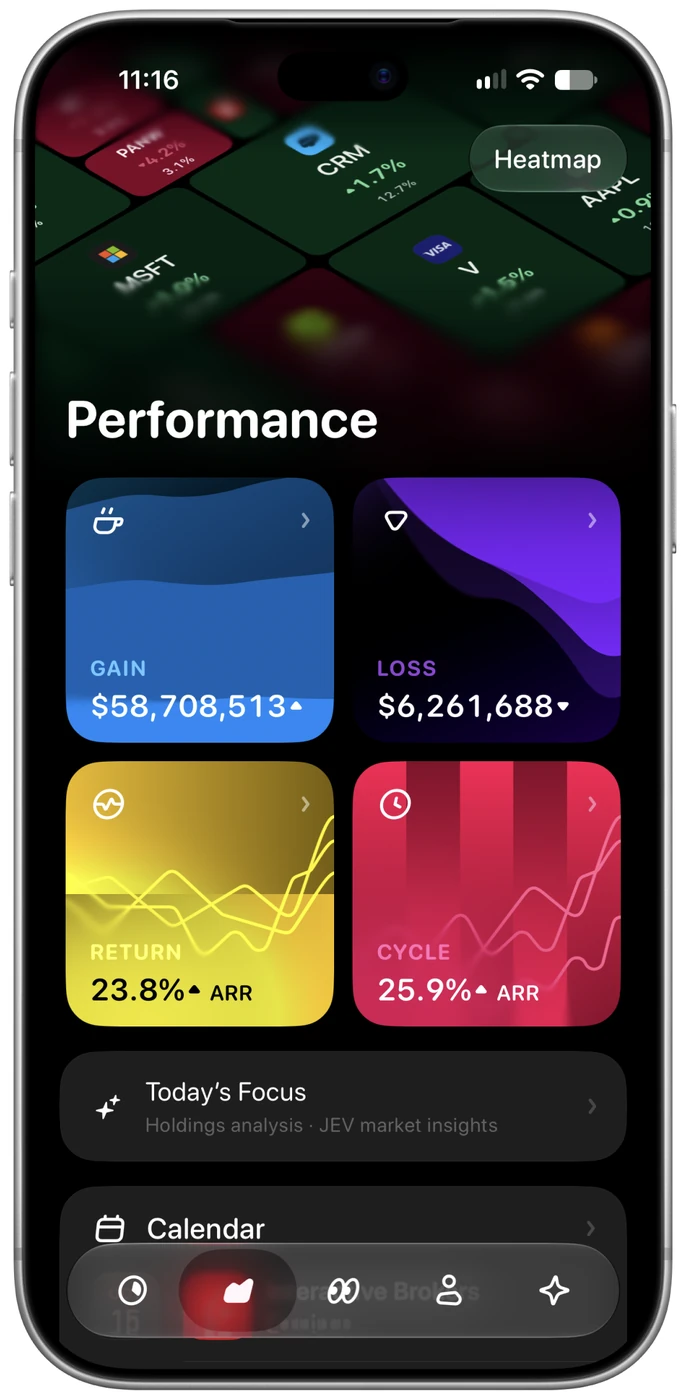
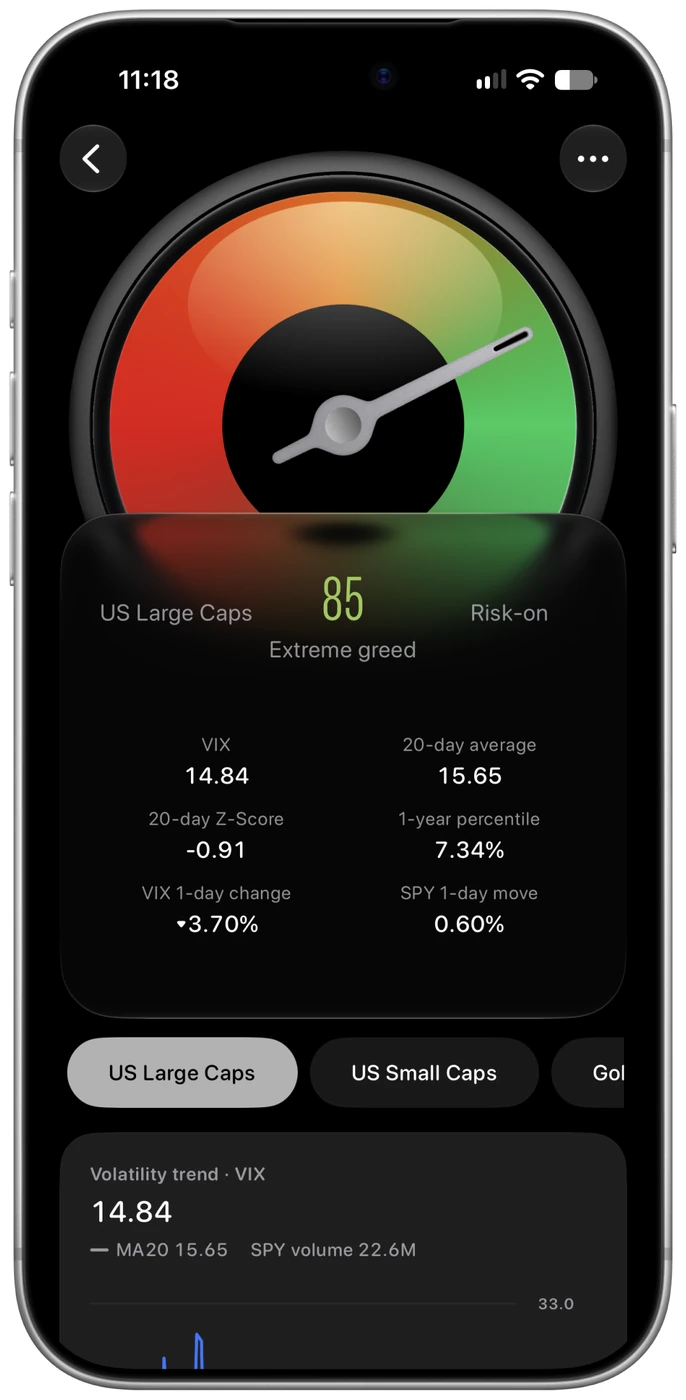
New features, thoughtful refinements, and the little things that make everyday use feel better.
In development
Coming next
A first look at what we’re working on.
These features are in development and have not yet shipped as a new public release.
Your portfolio, ready for your AI assistant.
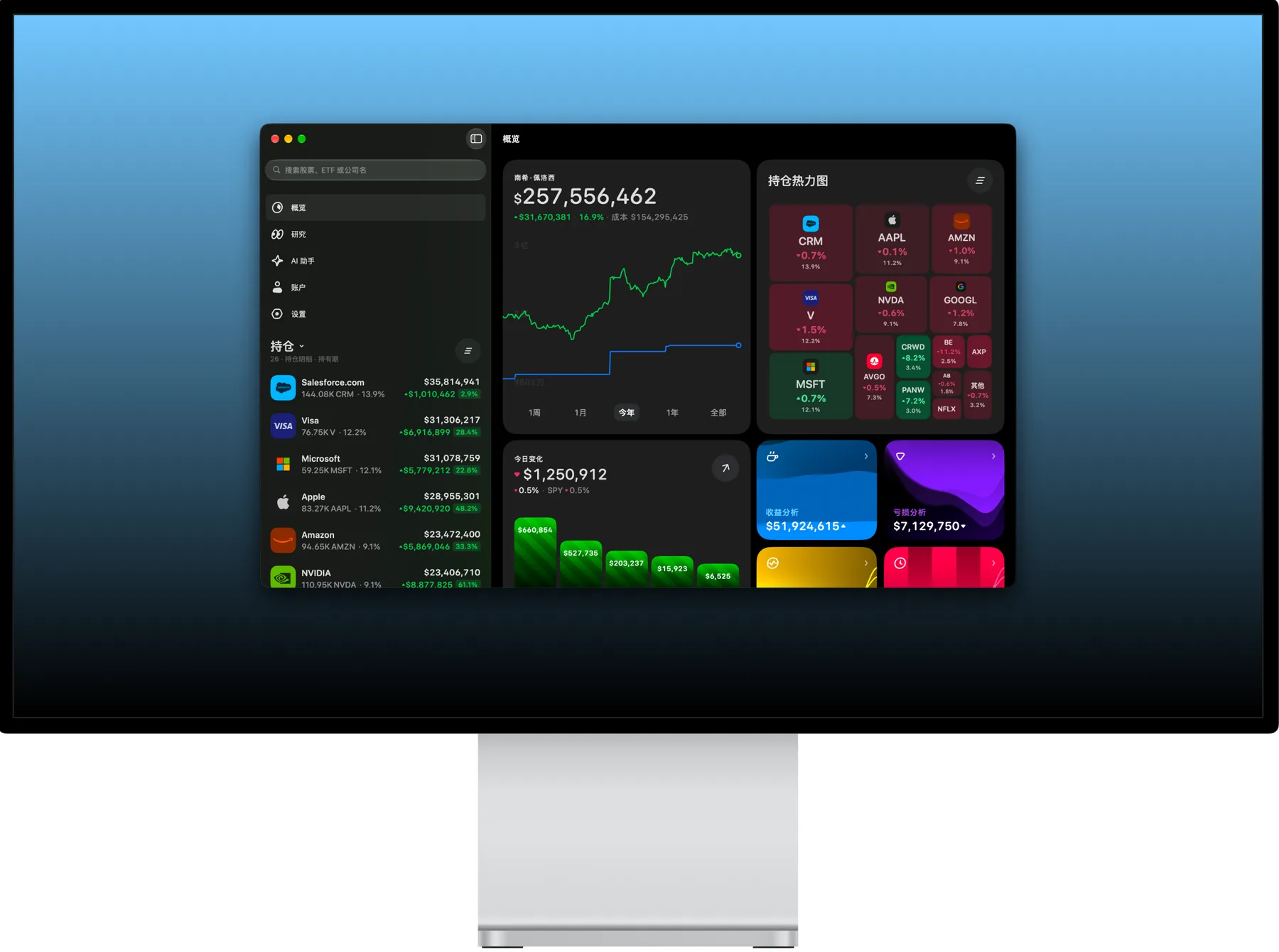
The Mac app adds a local MCP server. Enable AI access in Settings to query holdings, returns and research from compatible clients such as Codex and Claude Code.
Read-only access, with no orders, transfers or portfolio edits.
Copy the configuration generated by the app for your client.
Your AI client may send tool results to its model provider.
Today’s changes, right on your Home Screen.
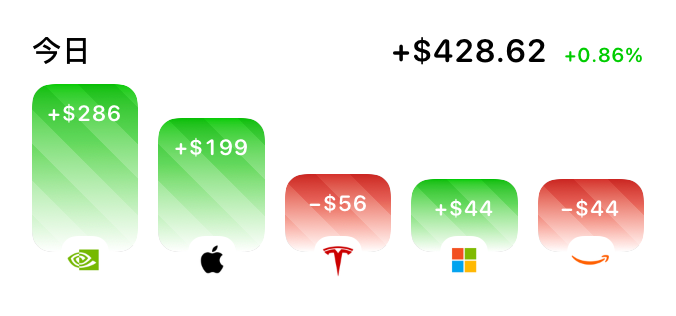
Add Today’s Changes to your Home Screen. See portfolio moves and leading contributors without opening the app each time.
Small and medium layouts.
Tap through to the app for more detail.
Shows the latest synced snapshot; refresh timing is managed by the system.
From extended hours to the next market event.
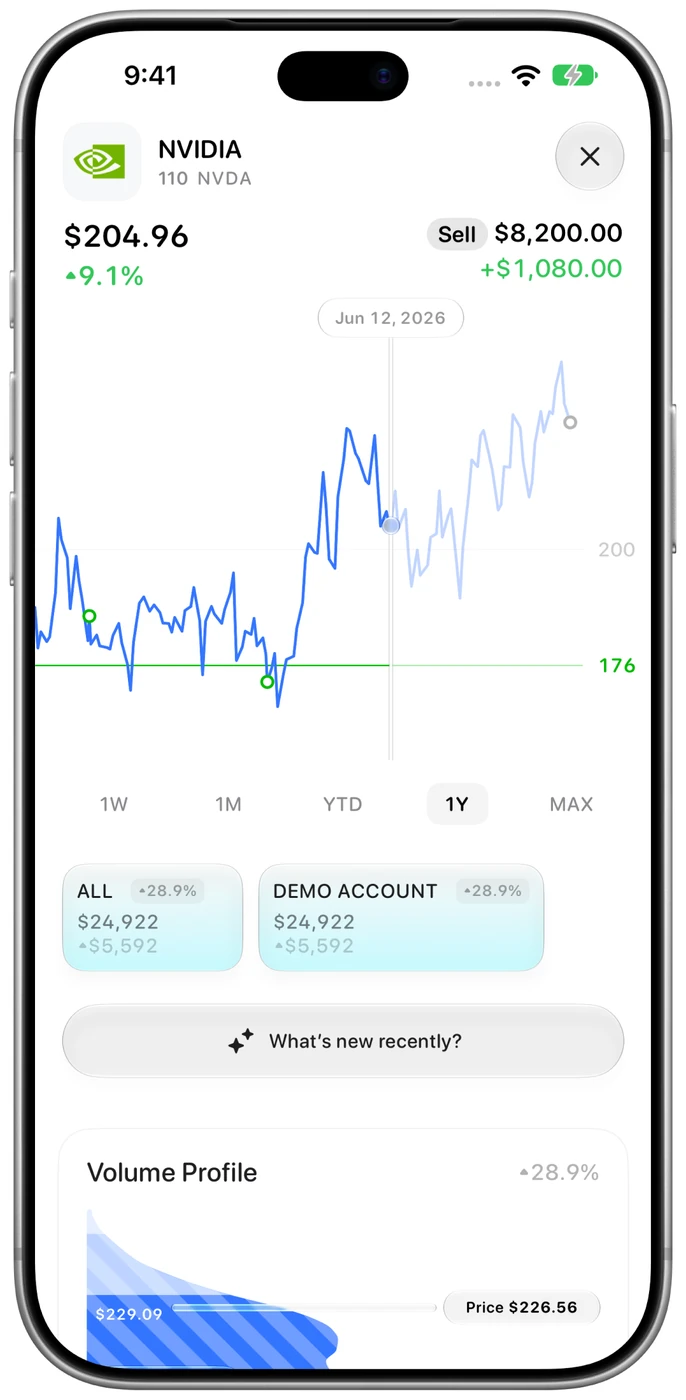
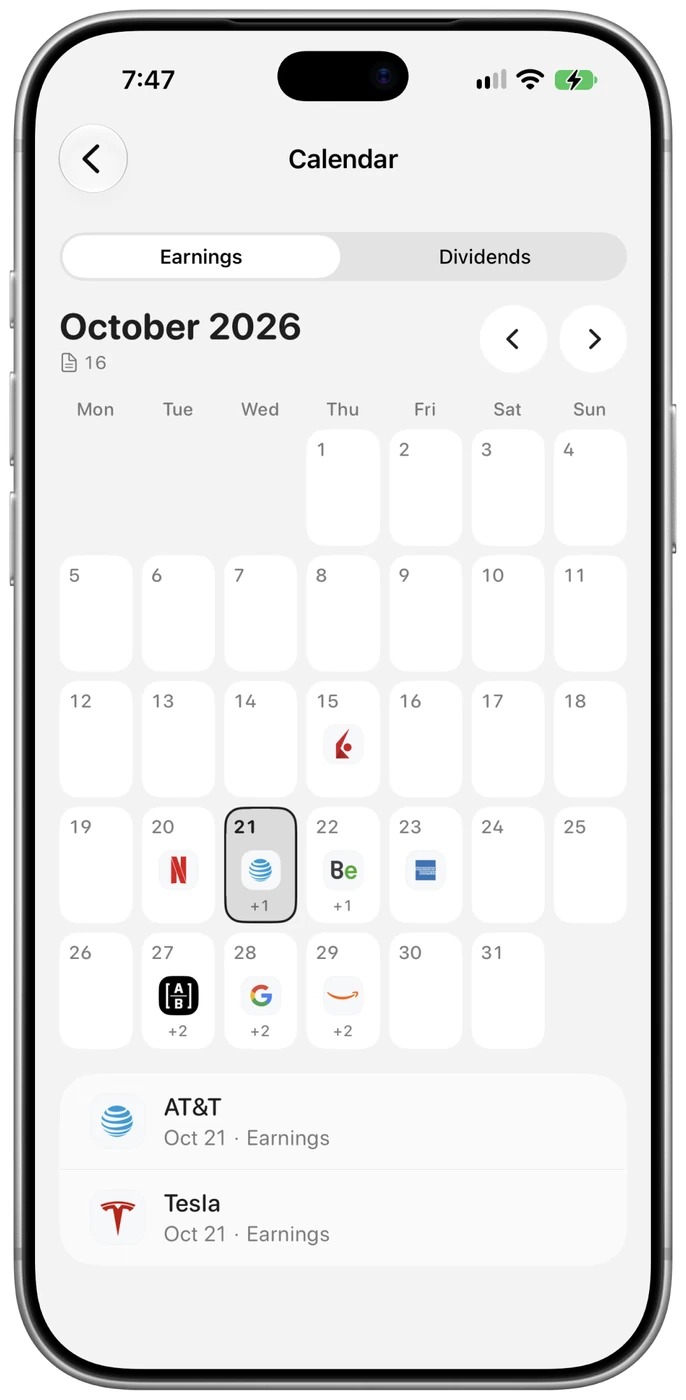
Extended-hours prices flow into holdings and the watchlist, with trading sessions distinguished on intraday charts. The event calendar adds US economic releases, Fed dates and market holidays.
Add events to your calendar and set reminders.
Open insight cards to see their ranked details.
Select research data cards and keep search results from jumping back.
More improvements 4
CSV import recognizes more common broker trade formats, including IBKR, Schwab, Fidelity and Revolut.
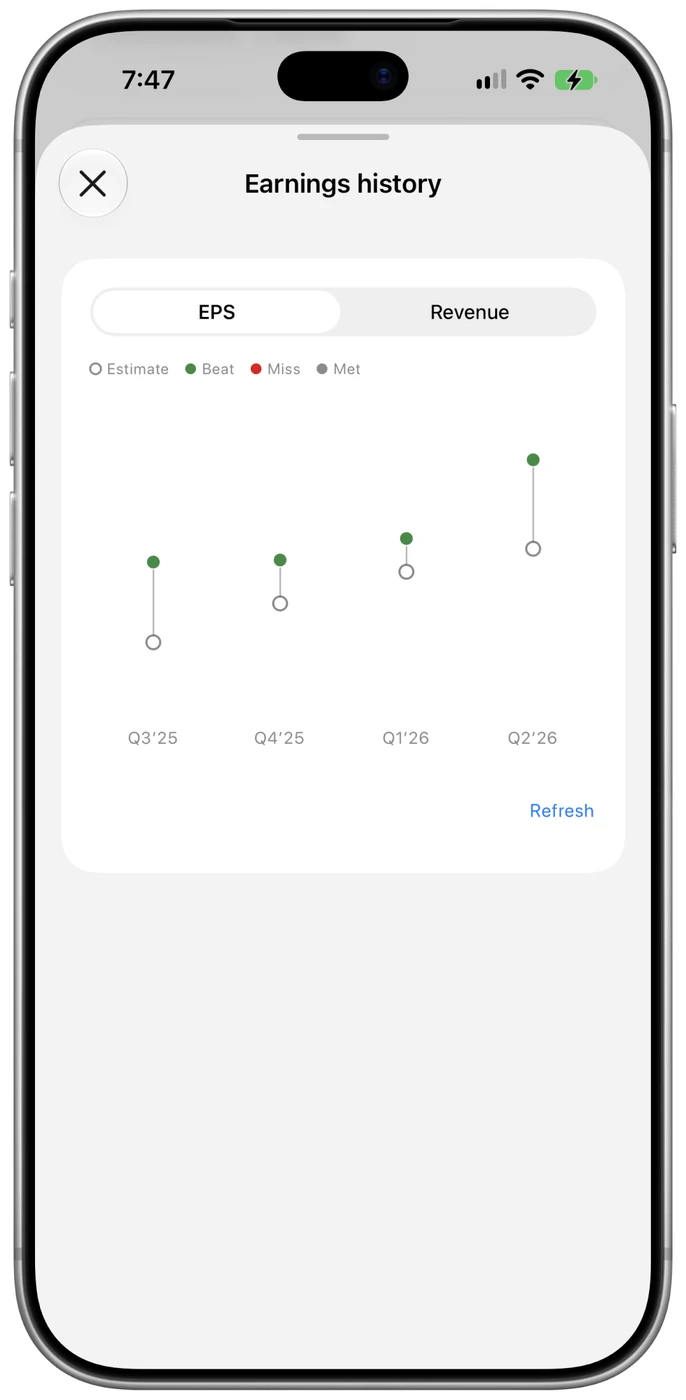
Research charts use bars, areas or lines to suit each dataset, instead of showing everything as a line.
Research market cards improve caching and retries to reduce intermittent empty states.
Stock trade details refresh after sync, with improvements to extended-hours quotes and historical closes.
Released
Version 1.2
More room on larger screens, and better detail in your research.
More of your portfolio, on iPad.
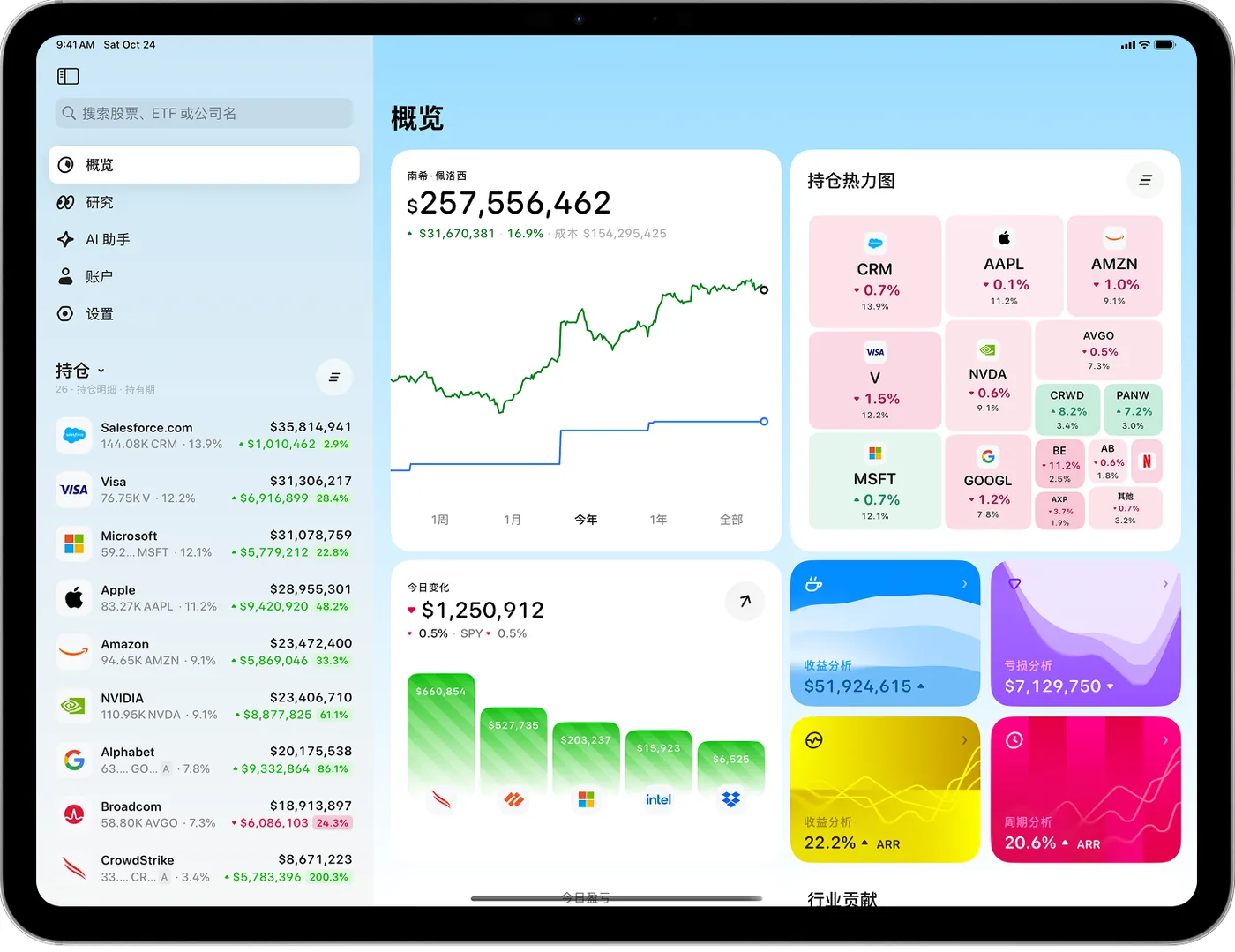
A new sidebar workspace brings Overview, Research, AI assistant, Account and Settings together. Keep holdings in view while moving between pages.
Use the wider canvas for overview and holdings side by side.
The Mac app adopts the same workspace layout.
Research a company with less back-and-forth.
Stock pages use two columns on wide screens. Charts and company information get more room, making it easier to keep context while researching.
More consistent navigation, back actions and search on larger screens.
Refined sidebar and content spacing on iPad and Mac.
Fill in the gaps in company financials.
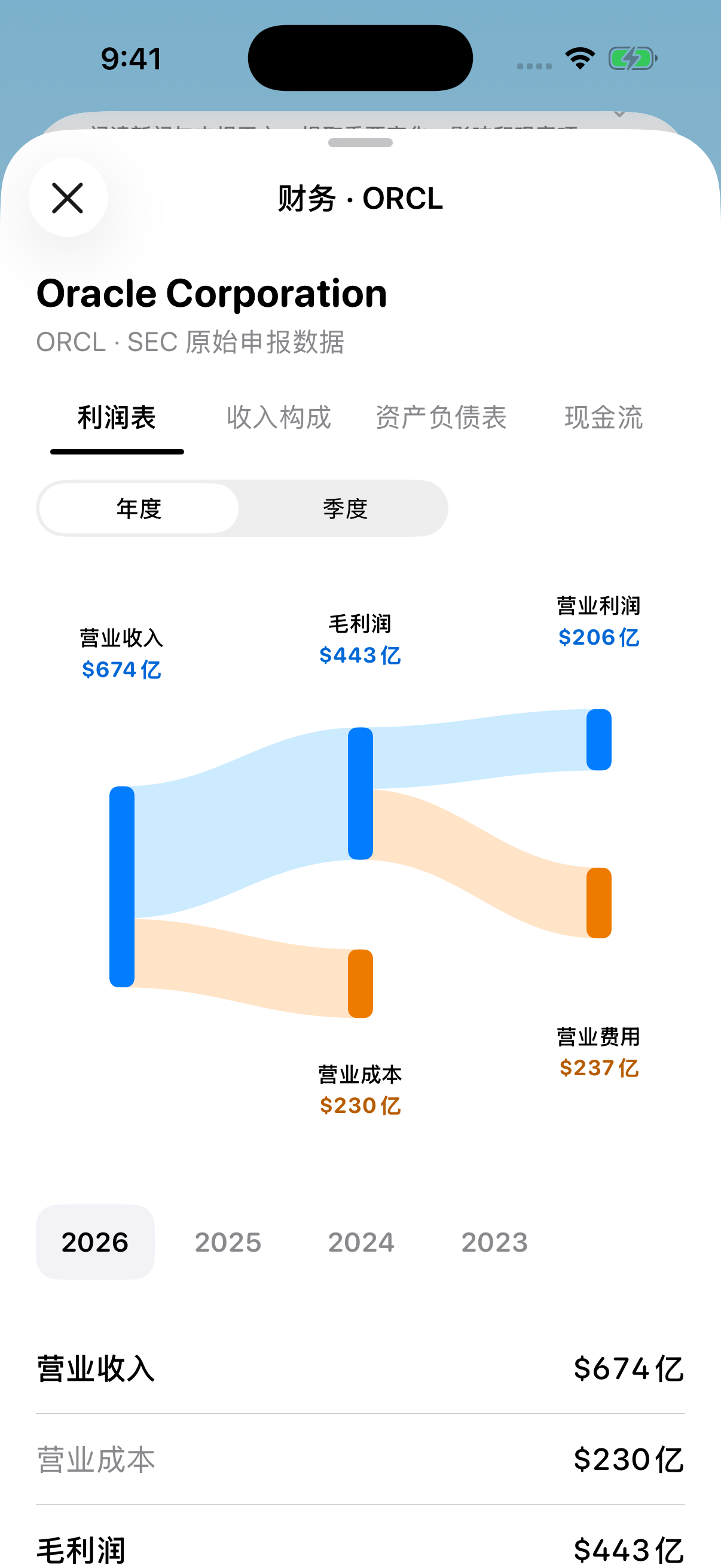
Fix missing capital expenditure and free cash flow for companies such as NVIDIA, using relevant asset disclosures to fill gaps in cash-flow research.
Keep missing data distinct from a reported zero.
Coverage continues to depend on company disclosures.
More improvements 2
Add Catfolio Pro monthly and limited lifetime purchases to support development; features remain open to everyone in this release.
Interface and stability improvements.
Released
Version 1.0.2
Smoother connections, clearer research and returns.
A smoother way to connect your accounts.
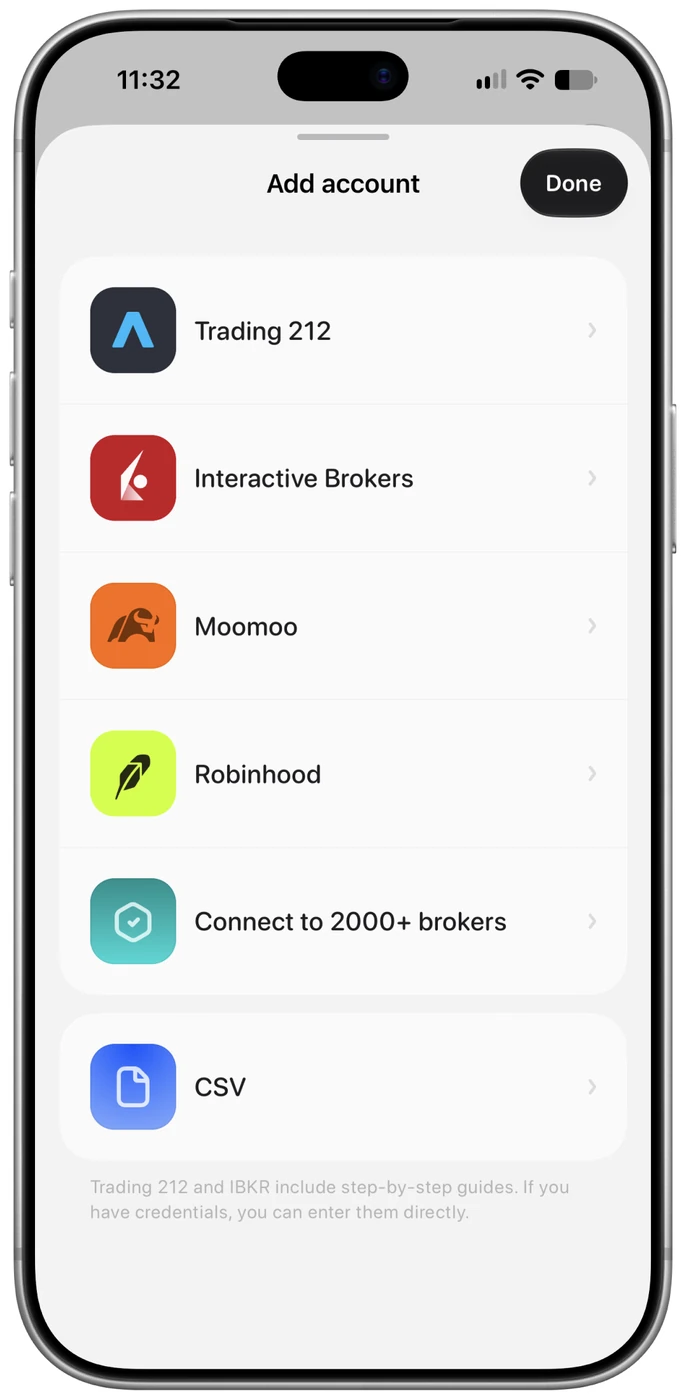
Refine account setup, guides and credential pages. Stable backgrounds and headers reduce transition flashes and make each connection step feel more connected.
Improve the first sync for an empty IBKR account.
Add A-share data and access to that market’s information.
Start research with the questions that matter.
Add Claude API support and remove the OpenRouter query-generation dependency from news search. Cash-flow details let you explore the figures behind financial summaries.
Configure your preferred supported AI provider.
Explore additional cash-flow items and quarterly figures.
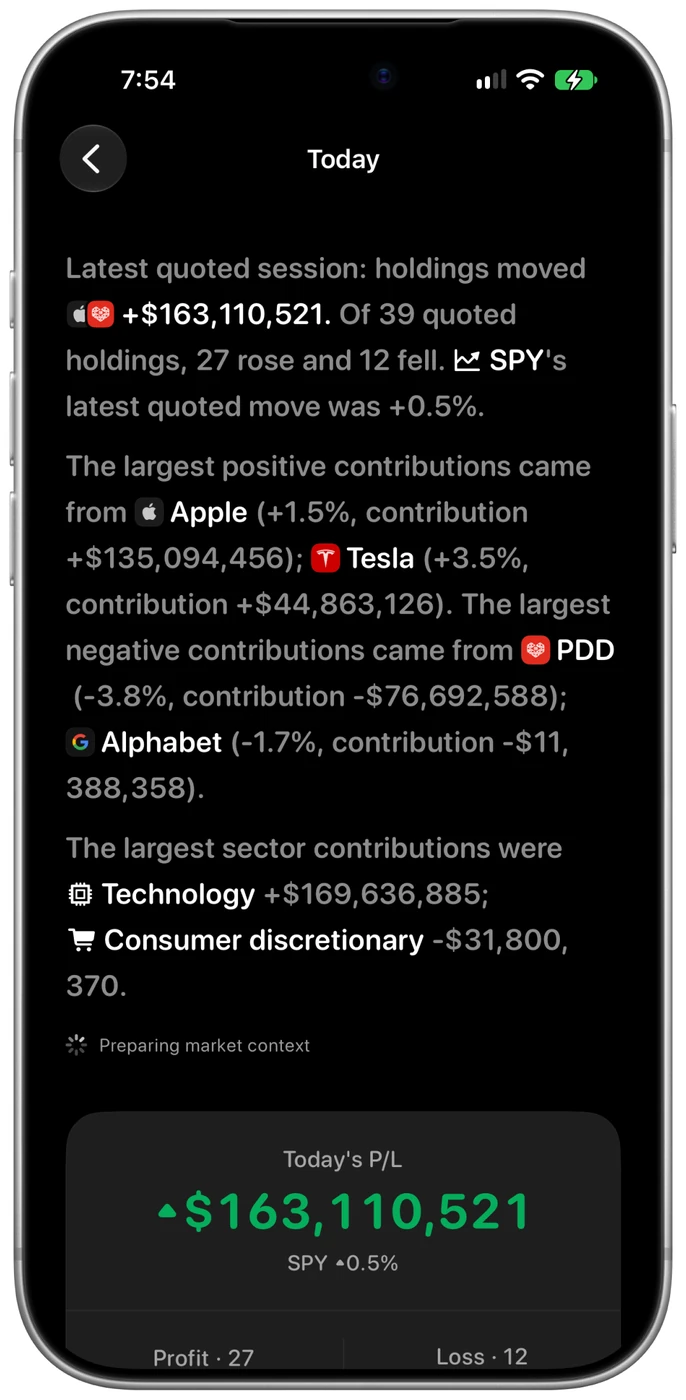
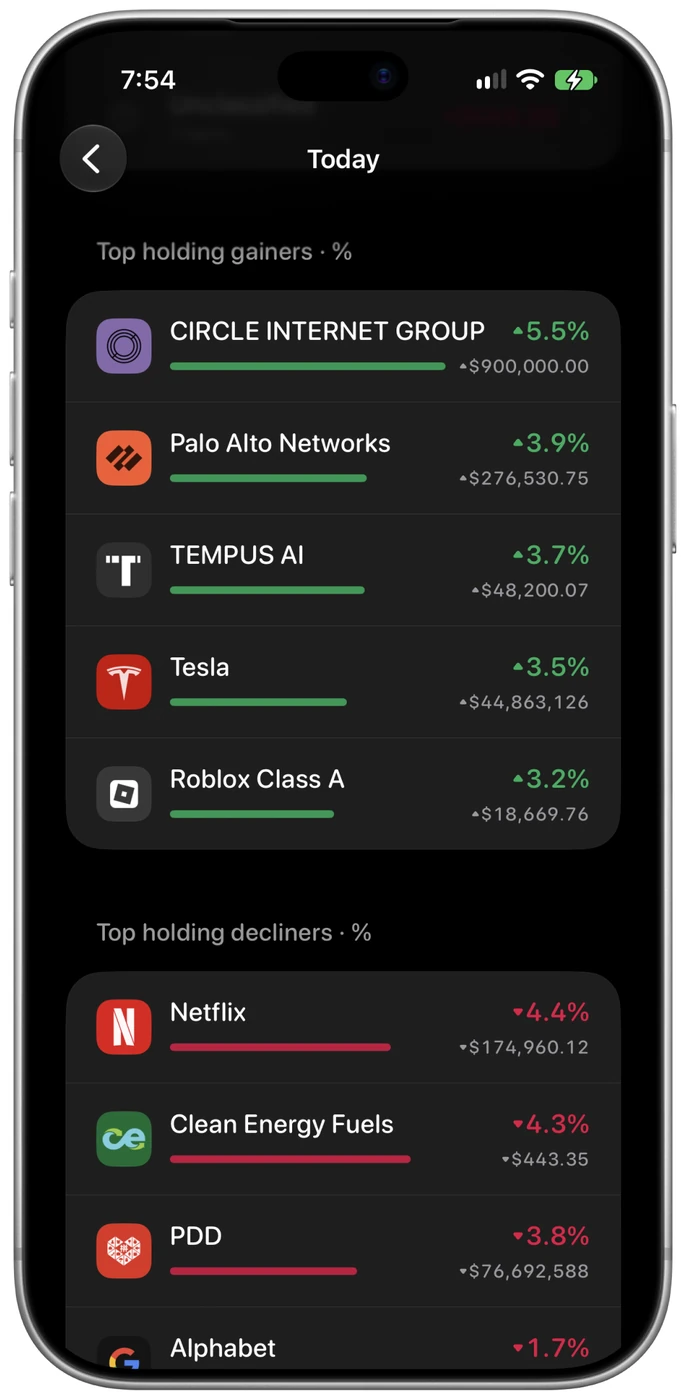
What moved your portfolio today?
Sector contributions use proportional positive and negative bars, with improved ordering and alignment. Compare what drove the day and continue into the details.
Add a watchlist for companies beyond your holdings.
Refine interactions across account setup, settings and research.
More improvements 2
Fix adding a personal account while using public-investor mode.
Improve API key entry, visibility and pasting.
Released
Version 1.0.1
From the first launch to the everyday check-in.
Make the first step easier to find.
Improve onboarding and make account creation easier to find in an empty portfolio. Explore the app first and configure market-data and AI services when needed.
Start adding an account from either the Account page or the empty overview.
Fix multiple issues in the add-account flow.
A clearer view of what you own.
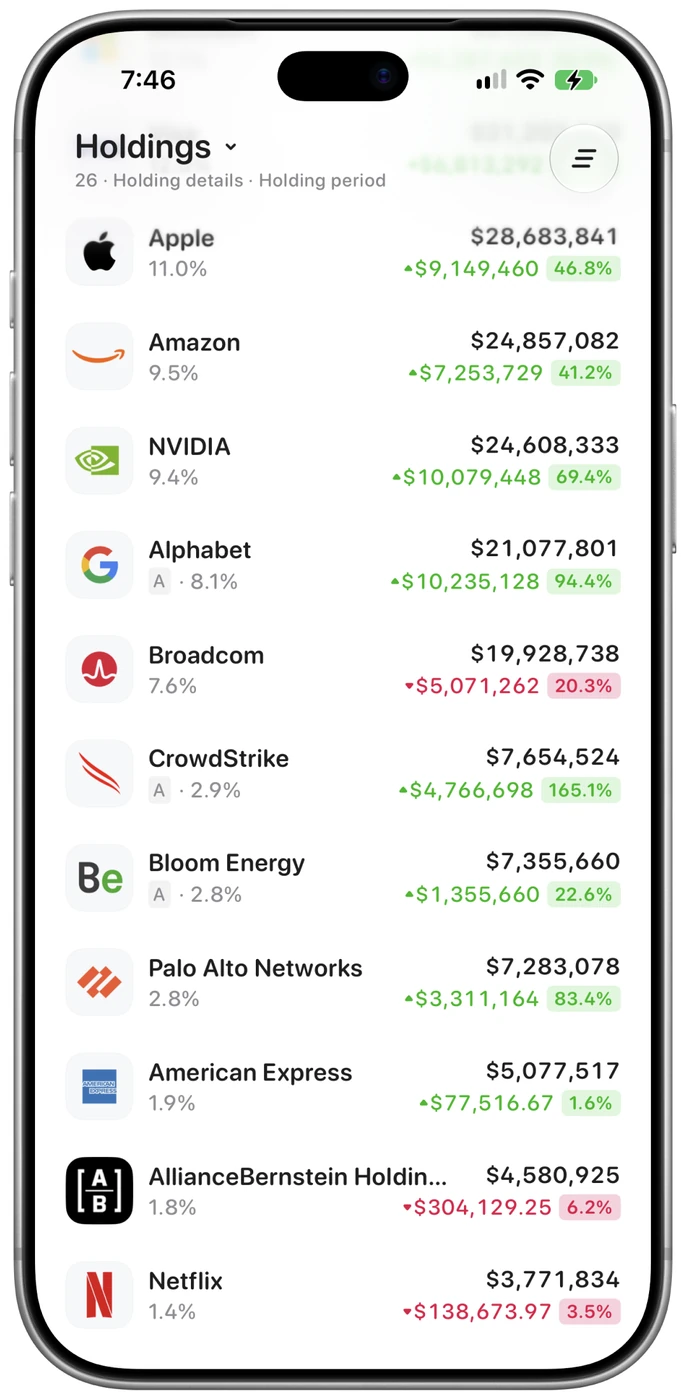
Refine company logos in the holdings heatmap and the performance view. Opening performance directly now loads the portfolio before presenting an empty state.
Make companies easier to recognize in the heatmap.
Refine positive and negative colors in performance figures.
Keep search and questions close at hand.
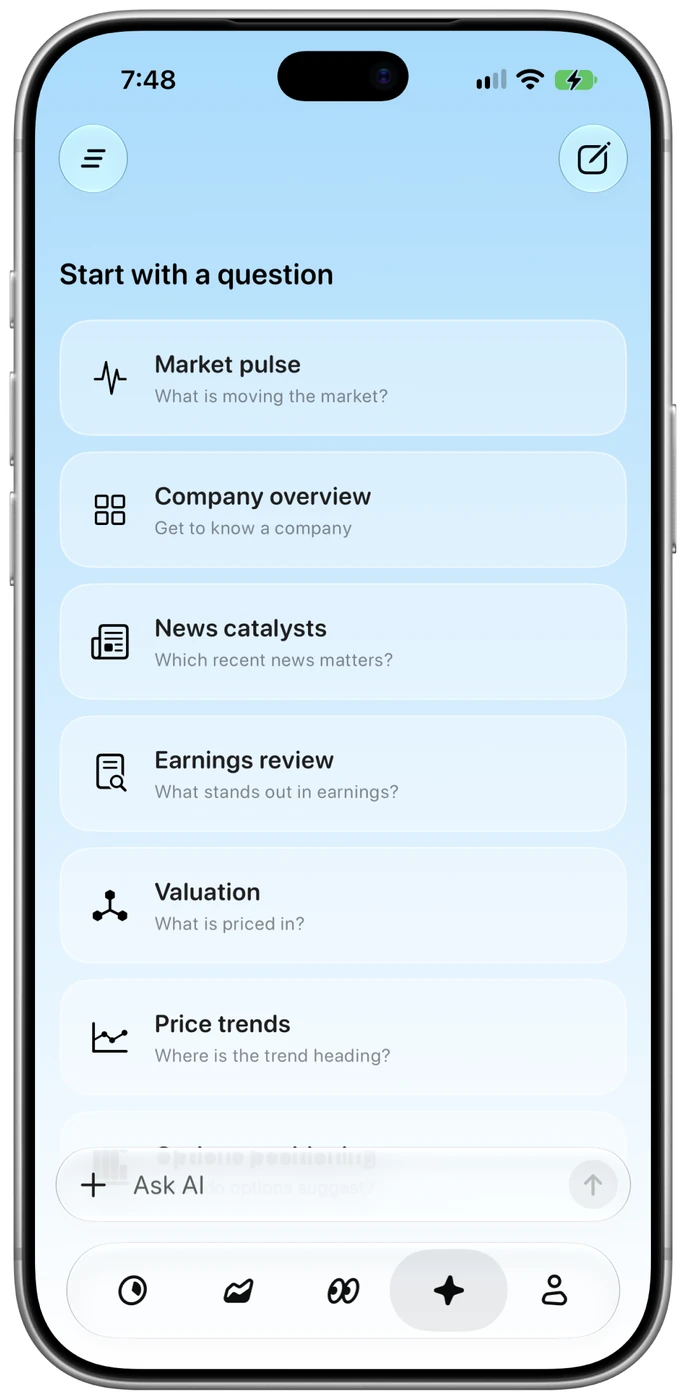
Research and its search field move together when opening and closing search. A dedicated AI assistant tab makes it easier to follow portfolio review with a question.
Refine movement and transitions when opening and closing search.
Give the AI assistant a dedicated place in the tab bar.
 Catfolio